Your dream home
starts here.
Find your style. Make space for the things you love. Turn your floor plan into a home, one room at a time.
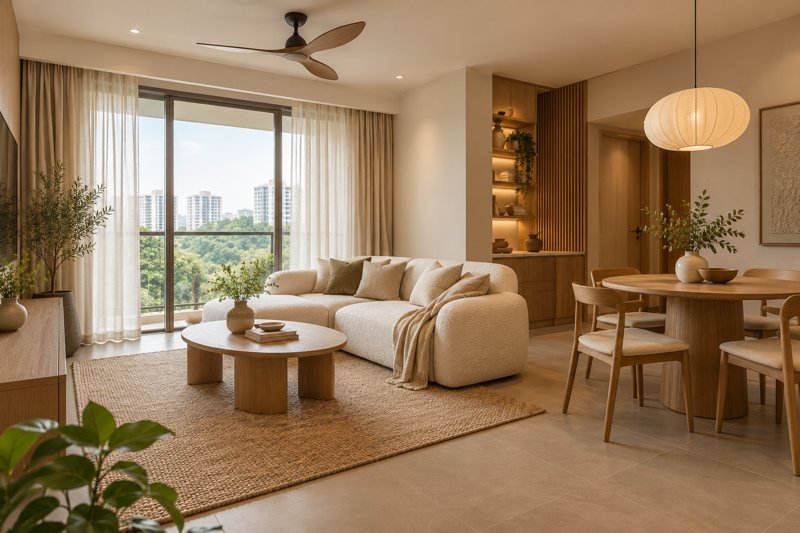
What feels like home to you?
Choose a colour mood for your room planner.
You can change your mind anytime.
Let’s start with your floor plan.
We’ll help you find your rooms. You bring the ideas.
Your floor plan & rooms
Upload your floor plan, let AI read the rooms and measurements, then create separate rooms to style with furniture.
- 1. Upload
Choose a photo or PDF. - 2. Analyse
AI reads rooms and dimensions. - 3. Start styling
Check results and create rooms.
1. Upload your floor plan
Start by choosing your floor-plan file.
2. Read rooms and measurements
Your floor plan is ready. Tap below to find room names, outlines and dimensions. When it finishes, check the room sizes and create your rooms.
3. Check your rooms
Optional: correct measurements or draw rooms manually
Read printed measurements
Room outlines on your floor plan
Your rooms. Your dream home.
Choose a room to start arranging your furniture. These styling inspiration images help you imagine the possibilities; your measured room layout appears below.
Bring your room to life.
Tap furniture to add it. Drag to arrange.
Select an item to adjust its size.